Batch AI Prompt Generator for Long-Form Content
BatchFrames turns a full script into hundreds of cinematic, character-consistent image and video prompts, automatically. Import your script, batch-generate every shot, and export straight to your image and video tools. Production that took days now takes minutes.
Free while in early access · No credit card required
Fits the tools you already use
From script to video in three steps
BatchFrames automates the slowest part of AI video, writing a good prompt for every single shot.
Import Script
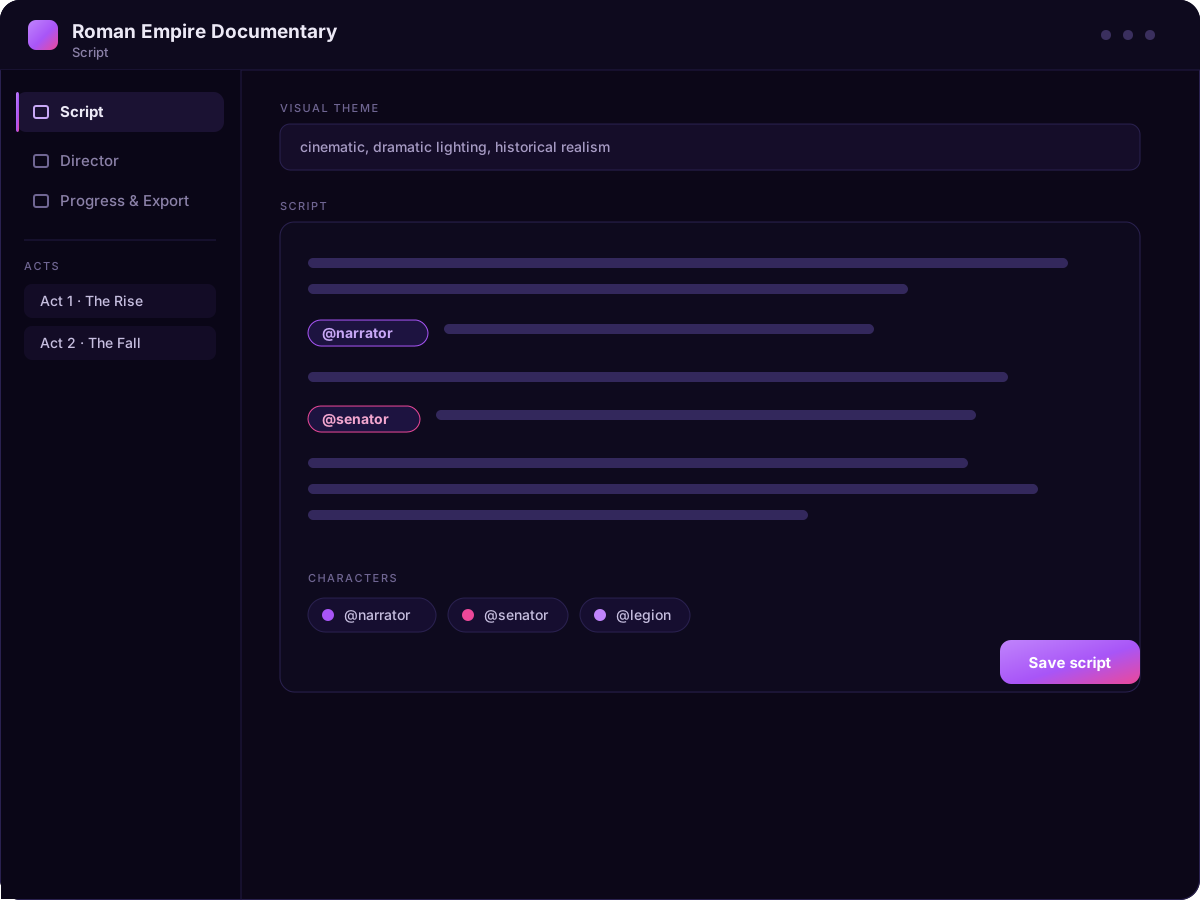
Paste or import a Google Doc, @tag your characters, and set a visual theme for the whole project.
Batch Generate Prompts
AI segments your script into 5 to 8 second clips and writes a detailed, cinematic image prompt for every one.
Generate Video
Export prompts routed by character to your image tool, generate images, then turn them into video clips, ready to assemble.
Start with the script you already wrote
Drop in your full narration, define your cast once, and set the look. BatchFrames understands your story structure so every shot stays on-theme.
- Paste scripts of any length
- Define characters with simple @tags
- Organize into acts and segments
Every shot, prompted in one click
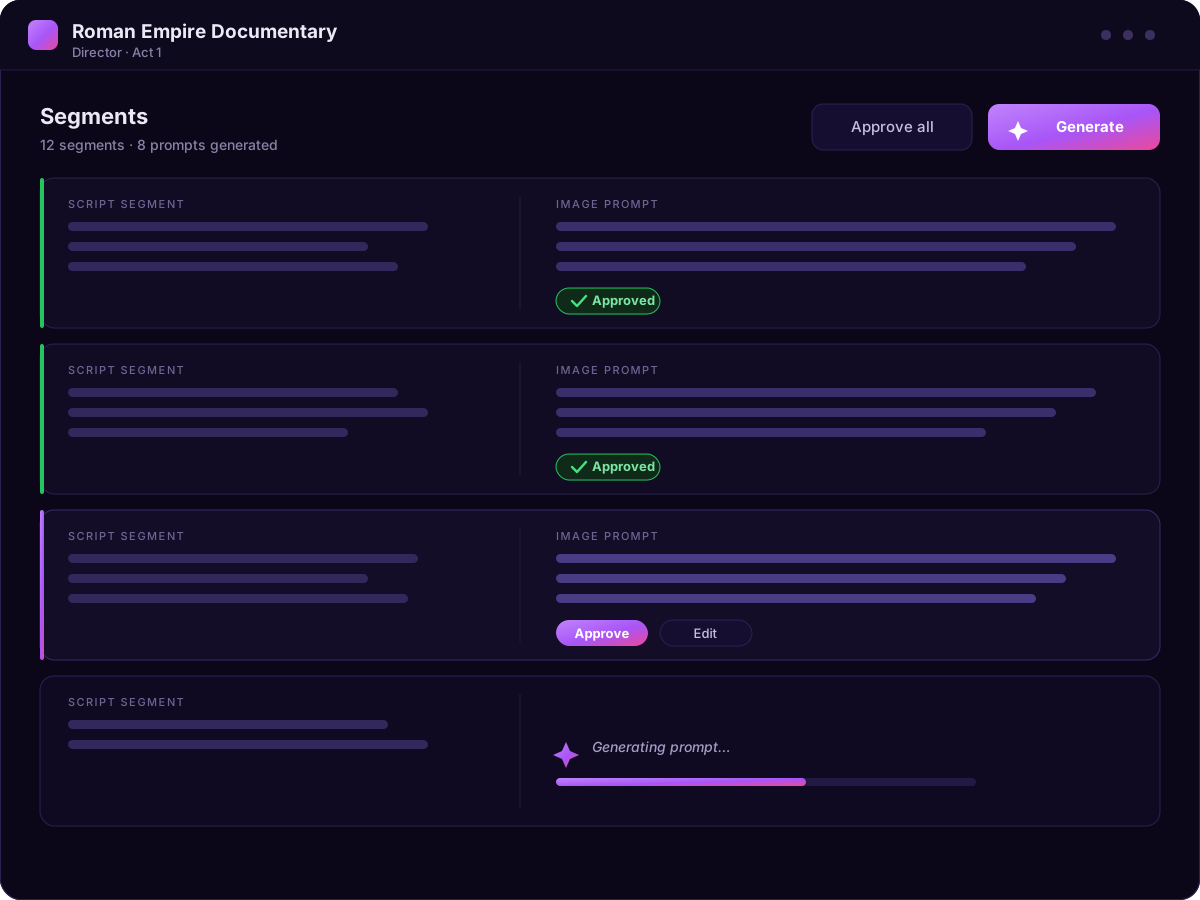
Hit generate and watch your script become a fully sequenced shot list, each with a cinematic, model-ready prompt. Then approve, tweak, or regenerate.
- Hundreds of prompts in seconds
- Consistent characters across shots
- Approve all or edit individually
Always know what is done and what is left
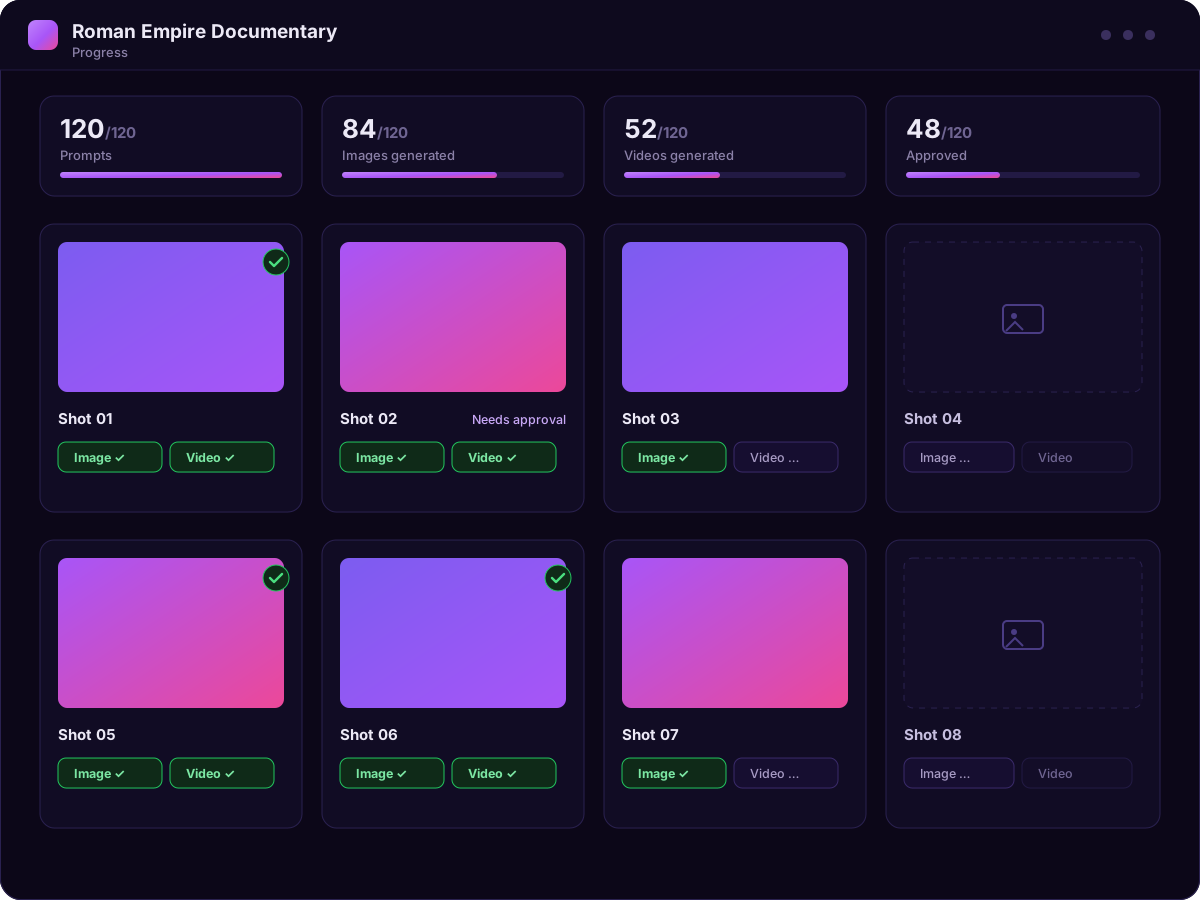
A long video means hundreds of images and clips, and it is easy to lose track of what is finished. BatchFrames keeps a live status for every shot, so you always know what has been generated, approved, and what still needs work.
- Generated, approved, and pending at a glance
- Track both images and video clips per shot
- Pick up exactly where you left off
Straight into your image & video tools
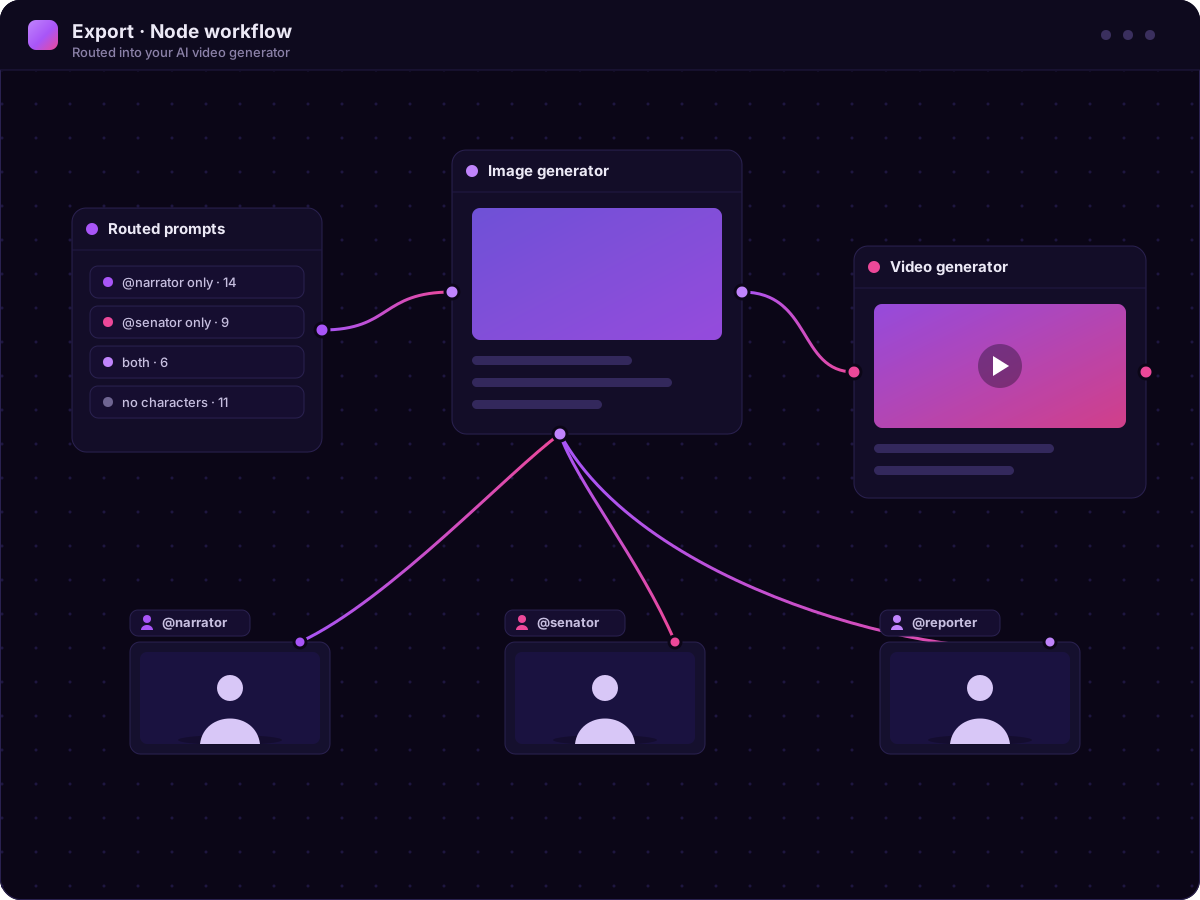
Approved prompts are routed by character and exported into your AI Video Generator. Generate your images, create video clips, and assemble the final edit, all without manual reformatting.
- Character-routed export groups
- Routes into node-based AI video tools
- Assemble the final cut in your editor
Everything you need to prompt at scale
Purpose-built for long-form creators who generate visuals shot by shot.
Script-to-shots segmentation
Automatically breaks long scripts into clip-sized segments timed to your narration pace, roughly 5 to 8 seconds of voiceover per shot.
Cinematic prompt engineering
Every prompt describes composition, lighting, mood, setting, and character action, tuned to get the most out of AI image models.
Character consistency
Tag characters once with @mentions and keep them visually consistent across hundreds of shots and every act of your story.
Batch approve & refine
Review prompts one by one or approve them all at once. Edit anything you want, then lock it in. Full control, none of the busywork.
Character-routed export
Approved prompts are grouped by character route and exported straight into your image tool’s list nodes, no copy-paste chaos.
Built for a real pipeline
From script to images to video clips to your editor, BatchFrames fits the workflow long-form creators already use to ship content.
Built for cinematic, consistent visuals
From the first shot to the last, every frame holds the same visual theme and the same characters, so a full long-form video feels like one cohesive story instead of a stack of unrelated material.
Be first to generate at scale
Join the waitlist and we’ll reach out as soon as BatchFrames opens up. No spam, just your invite.
We’ll only email you about BatchFrames access. Unsubscribe anytime.
Questions, answered
What is BatchFrames?+
BatchFrames is a batch AI prompt generator for long-form video. You import a script, and it generates a detailed, cinematic image-generation prompt for every shot, then helps you export them to your image and video tools.
Who is it for?+
Long-form YouTube creators, faceless-channel producers, and anyone turning written scripts into AI-generated visuals at scale. If you produce videos with dozens or hundreds of shots, BatchFrames removes the per-shot prompting grind.
Does BatchFrames generate scripts, images, or video?+
No. BatchFrames writes the prompts, not the media. The point is to handle everything in between your script and your generators: it turns your script into hundreds of structured, cinematic, character-consistent prompts, organizes them shot by shot, routes them to the image and video tools you already use, and tracks what has been generated and approved. You bring the script and your favorite AI tools, and BatchFrames does the prompting and keeps the whole production organized.
What AI does it use?+
BatchFrames connects to OpenAI models to generate prompts, with support for local models so you can keep everything on your own machine if you prefer.
What tools does it export to?+
Approved prompts export to Magnific (Freepik) Spaces, Wireflow, Krea Nodes, Flora, ComfyUI, Weavy, Fuser Studio, and Pletor grouped by character route. From there you generate images, turn those images into video clips, and assemble the final cut in your editor of choice such as Premiere Pro.
When can I use it?+
BatchFrames is in active development. Join the waitlist and you’ll be among the first to get access as we open it up.